no sleep
updated
Keep the Mac awake for 15 minutes, 8 hours or forever – one click, no password. Optionally keep the display on, or keep working with the lid closed (handy for downloads, long builds and external displays).
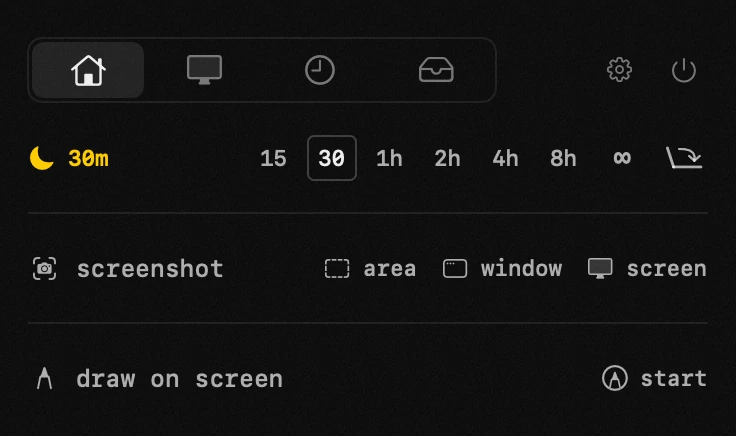
when it helps – a long download or build; agents and scripts that must not be interrupted; watching a movie without nudging the mouse; running with the lid closed next to an external display.
display stays on – also keeps the screen lit, not just the system.
run with lid closed – close the lid without shutting the Mac down: the screen goes dark, everything keeps running (asks for an admin password).
the yellow moon and the dot on the menu bar icon show it's active. turn it off and normal sleep returns.
- lid icon – the rightmost button in the row: click enables closed-lid mode (asks an admin password; turns sleep-block on if it was off), click again turns it off. amber = on.
app permissions
administrator password — asked once by macOS, for the closed-lid mode.
settings
- display stays on
- the screen stays lit while awake is on