color picker
updated
Pick any color on screen with the system loupe and it stays in a list, each row carrying hex, rgb and hsl in its own column – click one of the three and that notation is copied. The order never changes under the cursor, the list length and its visible rows are settings, and no screen-recording permission is needed: the loupe hands back one color and nothing else.
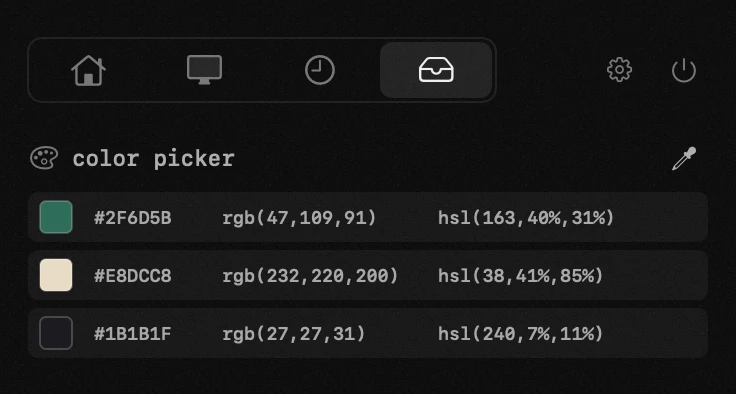
- picking – the loupe magnifies whatever is under the cursor, so a single pixel is easy to hit. escape cancels and copies nothing. no screen-recording permission is involved: the system loupe hands back one color and nothing else.
- three notations at once – every color in the list shows hex, rgb and hsl side by side, and each one is a button: click hex to copy hex, click rgb to copy rgb. the list keeps the order the colors were picked in and never reshuffles under the cursor.
- the list is settings – how many colors to keep and how many rows to show before scrolling live in settings → other modules, the same pair the clipboard has.
- they are clipboard entries too – a picked color sits in the clipboard history as well, searchable there like anything else you copied.
settings
- colors kept
- visible rows