window manager
updated
Snap windows to halves, quarters, thirds and center with a click on a zone glyph or a ⌃⌥ hotkey – no extra app needed.
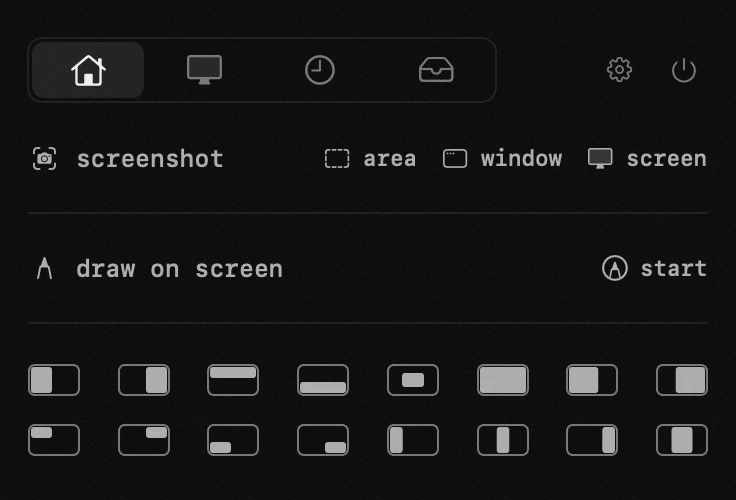
the buttons act on the window of the last active app. on first use macOS asks for the accessibility permission – without it other apps' windows can't be moved.
layout – in settings: the full 3×6 grid or a compact row of six essential zones.
if a window doesn't fit a zone exactly, that app has a minimum window size macOS won't shrink past.
- glyphs – each button is a mini screen: the filled part is where the window goes. the first row is the essentials – halves, center, full screen.
app permissions
accessibility — pasting into the app underneath, moving windows, the keyboard lock, drawing while a key is held.
settings
- windows layoutfull · short