uninstall apps
updated
Drop an app on the row, or pick it from the list of everything installed, and it goes together with what it left in about thirty places – application support, caches, preferences, containers, launch agents, plug-ins, receipts and the rest. Each app in the list shows what it weighs, the bundle and its data apart. An app already in the Trash is still recognised: its identifier is read from the bundle sitting there, or worked out from the leftovers that spell it out.
Nothing is deleted. Everything moves to the Trash, so a mistake costs a restore rather than a file, and whatever macOS refuses to hand over is named with the reason instead of quietly skipped.
The same module cleans up without removing anything: every app holding a cache, biggest first; installers left in Downloads, on the Desktop and in Documents; the data of apps removed long ago; and the Trash with its size. One tick takes a whole section. What it deliberately leaves alone is listed too – a container where cache and data share one folder, a messenger's twenty gigabytes among them, since only that app's own cleanup knows which half is disposable.
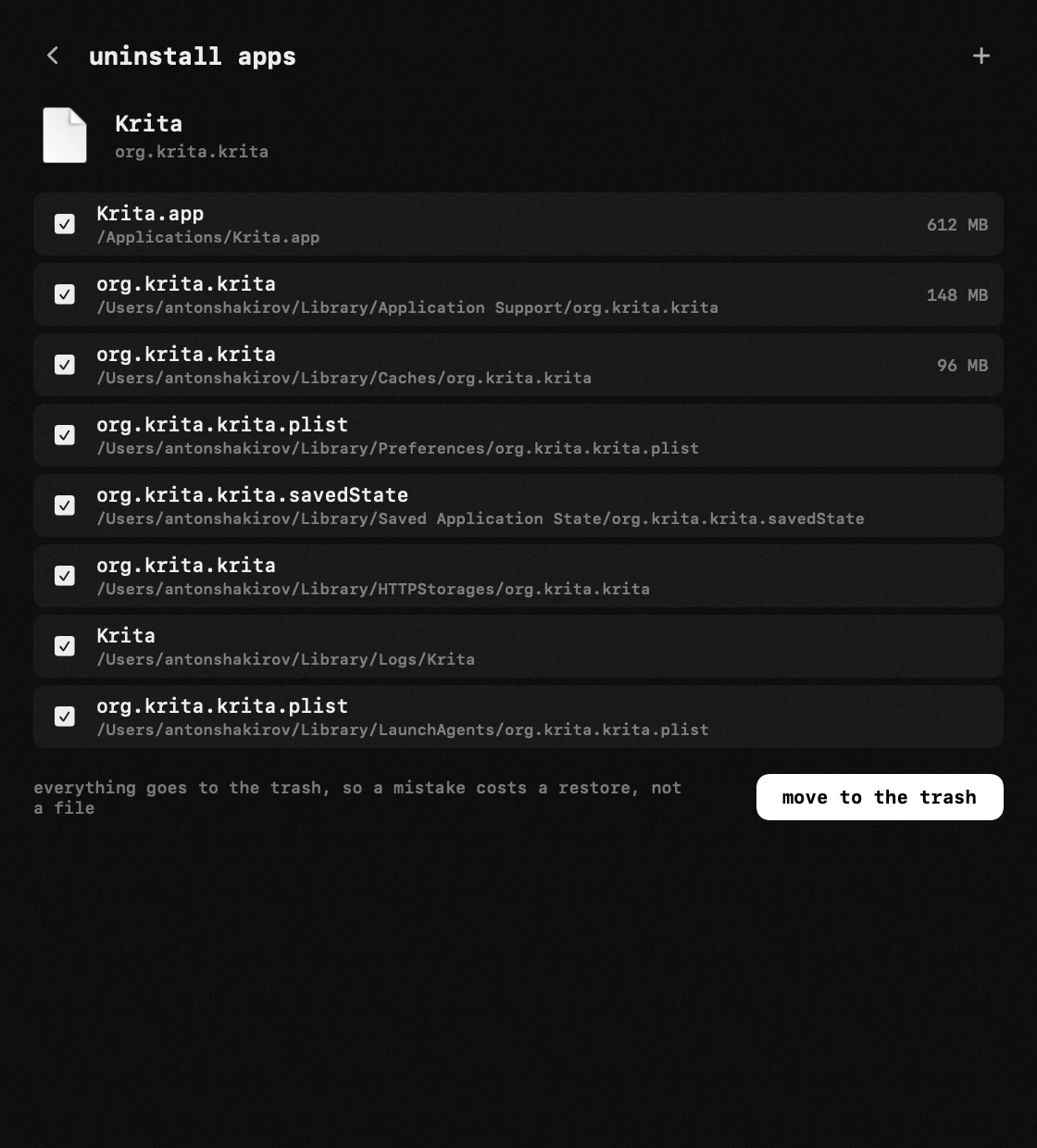
- remove the app – drop an app on the row or pick it from the list of everything installed; each row shows what it weighs, the bundle and its data apart. around thirty places are searched: application support, caches, preferences and byhost preferences, containers and group containers, application scripts, saved state, http storages, webkit, logs, crash reports, cookies, autosaved data, launch agents and daemons, privileged helpers, plug-ins of every kind, receipts, the shared folder.
- an app already in the trash is still recognised – its identifier is read from the bundle sitting there, or worked out from the leftovers that spell it out.
- nothing is deleted – everything moves to the trash, so a mistake costs a restore rather than a file. whatever could not be touched is listed with the reason: containers, autosaved data and cookies need full disk access, and the window opens the right pane of system settings for you.
- clear the cache – the same window, removing nothing: every app holding a cache, biggest first; installers left in downloads, on the desktop and in documents; the data of apps removed long ago; and the trash with its size. one tick takes a whole section.
- what it leaves alone on purpose – a container holding cache and data in one folder, a messenger's twenty gigabytes among them. only the app's own cleanup knows which half is disposable, so it is listed with its size and no tick.