scan a qr code on your Mac
updated · by Anton Shakirov
a qr code is drawn for a phone camera, and a camera is exactly what you cannot point at your own screen. hop frames the code where it sits — in a browser tab, a pdf, a slide, a paused video — and hands you what is inside it.
| what it is | qr code scanner inside hop, a menu bar app for macOS |
|---|---|
| price | free — no trial, no pro tier, no account |
| licence | MIT, source on GitHub |
| requires | macOS 14 or later, Apple silicon or Intel |
| works offline | yes |
| data sent anywhere | none |
why a code on your screen is awkward
the code is already on the Mac, and the usual way to read it involves a second device, with the result that the link arrives on the wrong one and has to be sent back.
the Mac's own camera does not help either: it faces you, not the screen. so the answer is not a camera at all. the code has to be read from the pixels it is already made of.
reading the screen instead of a file is what makes this work, and it is also why an app that does it has to ask for the screen recording permission. what that permission actually covers
how to scan a qr code on your Mac
the gesture is the one you already use for a screenshot: a rough frame around the code, and what it holds comes back as text you can read before you act on it. that order matters — a code on a screen is an address nobody has checked, and a phone camera opens it before you get the chance. a web address gets an open button, anything else copies as text.
the shortcut, what else the same frame reads and where the module is switched on — the handbook end of this, in your own language: text recognition in the guide
the frame need not hold only the code: text around it is read in the same pass, so a bill scanned whole gives you the link and the reference number together.
the same frame, the same gesture and the same window are what the module does with ordinary text on the screen. pulling text off the screen
codes that are not on the screen
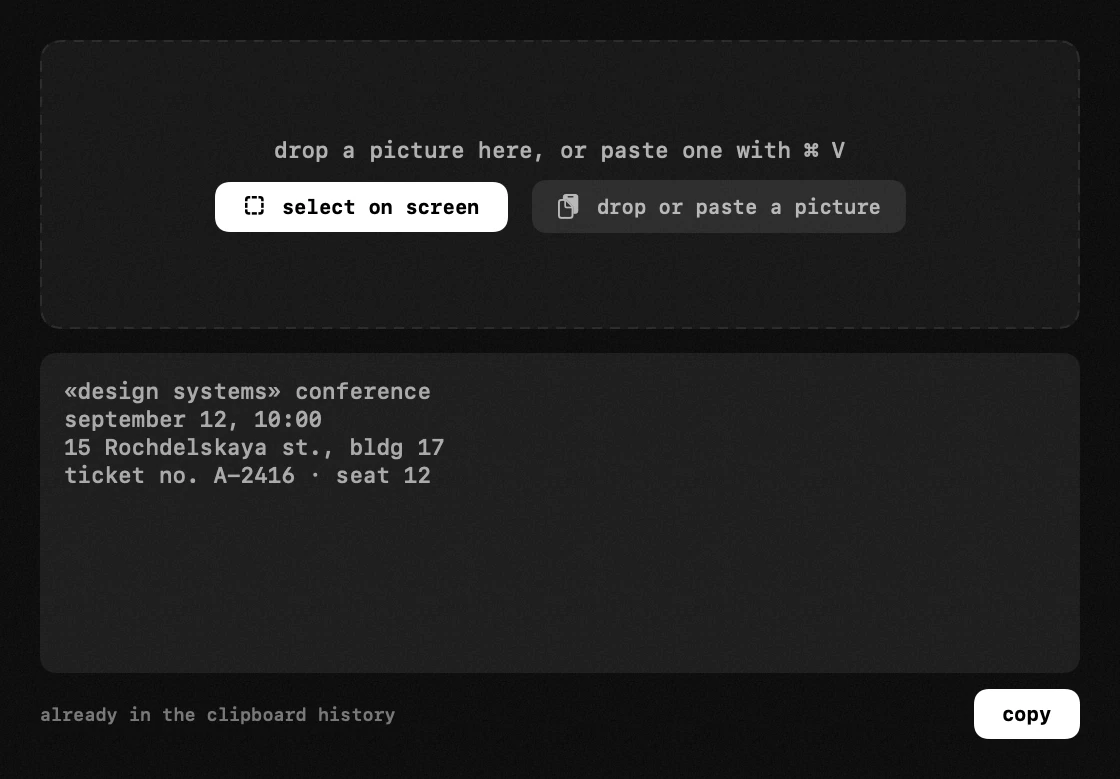
when the code sits in a file rather than in front of you, framing the screen is a detour. drop the image into the window, or paste one with ⌘V.
- a ticket or a boarding pass saved as a pdf
- a photo of a poster, a menu or a parcel label
- a screenshot a colleague sent you in a chat
- an invoice with a payment code and a reference number on it
a code stuck in a frame of a video is the same job in a different wrapper — the picture is there, the file it came from is not. getting text out of a paused video
the free ways to read a qr code on a Mac
three of them circulate, and each works for some cases. better to know which case you are in before installing anything.
screenshot the code, then let Live Text read it
press ⌘⇧4, drag over the code, then open the shot and look for the link. this is the route most answers on the forums give, and when it works it costs nothing.
whether it works depends on the system handing that picture to Live Text at all. for a canvas an app drew itself it is a coin toss, and you find out only after you have made the file. either way there is now a png on your desktop you did not want.
point your phone at the screen
the iPhone camera reads codes without any app, provided the setting for it is on. for a code on a poster nothing on this page beats it.
for a code on your own display it is a round trip: unlock, open, aim, focus. the link then opens on the phone while you are sitting at the Mac.
Apple's own guide covers the camera route and the setting it needs. scan a qr code — iPhone user guide
upload the picture to a decoder site
websites that take an image and print what the code holds, and the shortcuts people pass around for macOS mostly work this way too — they send the picture to a web api and read the answer back.
fine for a link to a public page. a different matter for a payment code, a ticket or a one-time login, because the whole picture goes to somebody else's server to find out what is in it.
so: if the code is on paper, or in a photo you can simply open, take the free route and be done. the simple case ends the moment the code sits somewhere the system will not hand over as a picture — a paused frame, an arbitrary rectangle with a code somewhere in it. past that point every free route runs through a screenshot, and often through a stranger's website.
what hop changes when the code is already on your screen
the free screen grabbers read text off the screen well and do not read codes at all. that is the line between them and this module. how hop compares with TRex
| what you have | the free route | with hop |
|---|---|---|
| a code on paper, a poster or somebody else's screen | your phone reads it in a second | not needed — use the phone |
| a code in a photo or on a web page | Live Text reads it where it sits | same result either way |
| a code in a frame of a paused video | screenshot it, open the shot, hope it gets recognised | frame it where it is playing |
| a code in an app that hands the system no image | screenshot, save, open, read — and a file left behind | one frame, nothing saved to clean up |
| a code with a reference number printed beside it | read the code one way, retype the number by hand | one pass returns both |
| a payment code or a one-time login | the decoder sites want the picture uploaded | decoded on this Mac, works with the Wi-Fi off |
a scanned code is untrusted input
a qr code is not readable by eye, which is what makes it useful for hiding a bad destination. a sticker over the code on a parking meter, a swapped code on an invoice — you cannot tell by looking, and neither can a scanner that acts first.
the reading comes first, the action second
hop shows what it read and stops there. the "open link" button appears for web addresses only: a phone number, a Wi-Fi password or a contact card stays as plain text you read and use yourself. nothing is dialled, joined or added on your behalf.
seeing the address before it opens is not a small thing — it is the whole difference between reading a code and obeying it.
the reading also lands in the clipboard history, so a code you scanned an hour ago is still there. what the clipboard history keeps
barcodes come out of the same pass
recognition has no separate mode to switch into. text, qr codes and the ordinary barcodes off packaging are read at once, so framing a parcel label gives you the tracking number and the code together.
nothing leaves your Mac
the code is decoded locally, on Apple's own Vision engine — the same one the system uses. no image is uploaded, no server sees your screen, and it works with the Wi-Fi off.
that matters more for codes than for text. the things you least want to hand to a stranger's scanning service, in exchange for a free app, are exactly the ones you scan in a hurry.
hop has no accounts, no profiles and no telemetry. the only thing it sends is its own version number when it checks for an update.
the decoding itself is Apple's barcode detection, documented and available to any Mac app. VNDetectBarcodesRequest — Apple developer documentation
hop is free either way, but the copy on the site and the copy in the App Store are not quite the same build. what differs between the two builds
frequently asked questions
- can my Mac read qr codes on the screen?
- not on its own, not for an arbitrary piece of the screen. Live Text reads a code inside a picture the system recognises as a picture — a photo, an image on a web page — so the common advice is to screenshot the code first and open the shot. hop skips the screenshot and reads the rectangle you frame.
- can i scan a qr code without my phone?
- yes, that is the point of it. the code is read off the Mac's screen or out of an image file, and the link opens in the browser you are already sitting in front of.
- does it work offline?
- yes. decoding happens on your Mac, on Apple's Vision engine. nothing is uploaded and nothing needs a connection — only the link you choose to open does.
- will it open the link automatically?
- no. you see the reading first and press "open link" if you want it. and only web addresses get that button: a Wi-Fi password or a contact card stays plain text, because a scanned code is untrusted input.
- how do i read a Wi-Fi qr code on my Mac?
- frame it and you get the network name and the password as text, which you then type into the Wi-Fi settings yourself. hop will not join a network for you: a Wi-Fi code is a set of credentials handed over by whoever printed it, and joining on its say-so is not something an app should do quietly.
- does it read barcodes as well as qr codes?
- yes, in the same pass as the text — there is no mode to switch. the ordinary barcodes on packaging are read the same way a qr code is.
- what if the code is small or slightly blurred?
- frame it generously and try again — the frame can be rough, and extra area around the code costs nothing. there is more room than it looks: on macOS 26.6.2 a code holding a 43-character link still decoded from a 28-pixel square and failed at 24. if a thumbnail will not read, opening the image at full size usually fixes it.
- is it free?
- completely. no trial, no pro tier, nothing to unlock. hop is open source and the recognition module is open to everyone the same way.
other tools in hop
- keep awakedownloads, renders and calls run to the end. even with the lid closed.
- speed testdownload, upload and responsiveness — measured through Apple's own servers.
- app firewallsee which programs go online, and where — block any of them with one click.
what people do with this
about the author

Anton Shakirovmakes hop
makes hop and every page on this site. twenty tools under a single menu bar icon, MIT licensed and open source. reads and answers issues and email himself.